

This is NUO-STEMS 3
NUO-STEMS v3 software automatically converts your audio files to 4-part STEMs for Traktor Pro: drums, bass, melody, vocals using Machine Learning (AI).
NUO-STEMS 4 is here →
One license unlocks both NUO-STEMS 4 and NUO-STEMS 3. To activate NUO-STEMS 3, install NUO-STEMS 4 on the same computer and activate it: NUO-STEMS 3 is then activated too.
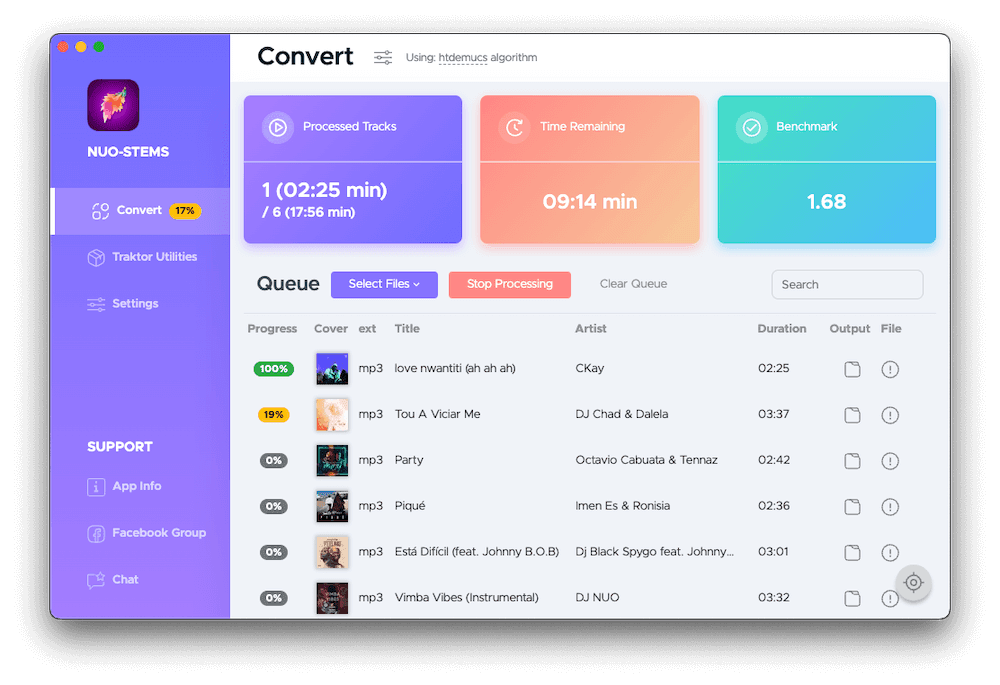
What's new in 3.1
- “mel_band_roformer” – new algorithm with insane quality of vocals and improved drums, bass & other stems
- “sum of stems = original” – now mix of 4 stems (drums, bass, other, vocals) equal the original track
- Revamped Traktor Utilities – show which originals in the collection have STEMS versions created; experimental feature to automatically add STEMS to collection after conversion
- Much more accurate beatgrid & hotcues transfer between originals & STEMS
- much more – see the changelog
What's new in 3.0
- demucs v4 – new, better & faster algorithm
- GPU acceleration (Windows & Mac)
- Instrumental & Acapella generation for usage in Serato/Rekordbox/Denon Prime/Other DJ software
- completely new UI & UX
- versatile settings
- much more – see review video ^_^
Settings versatility
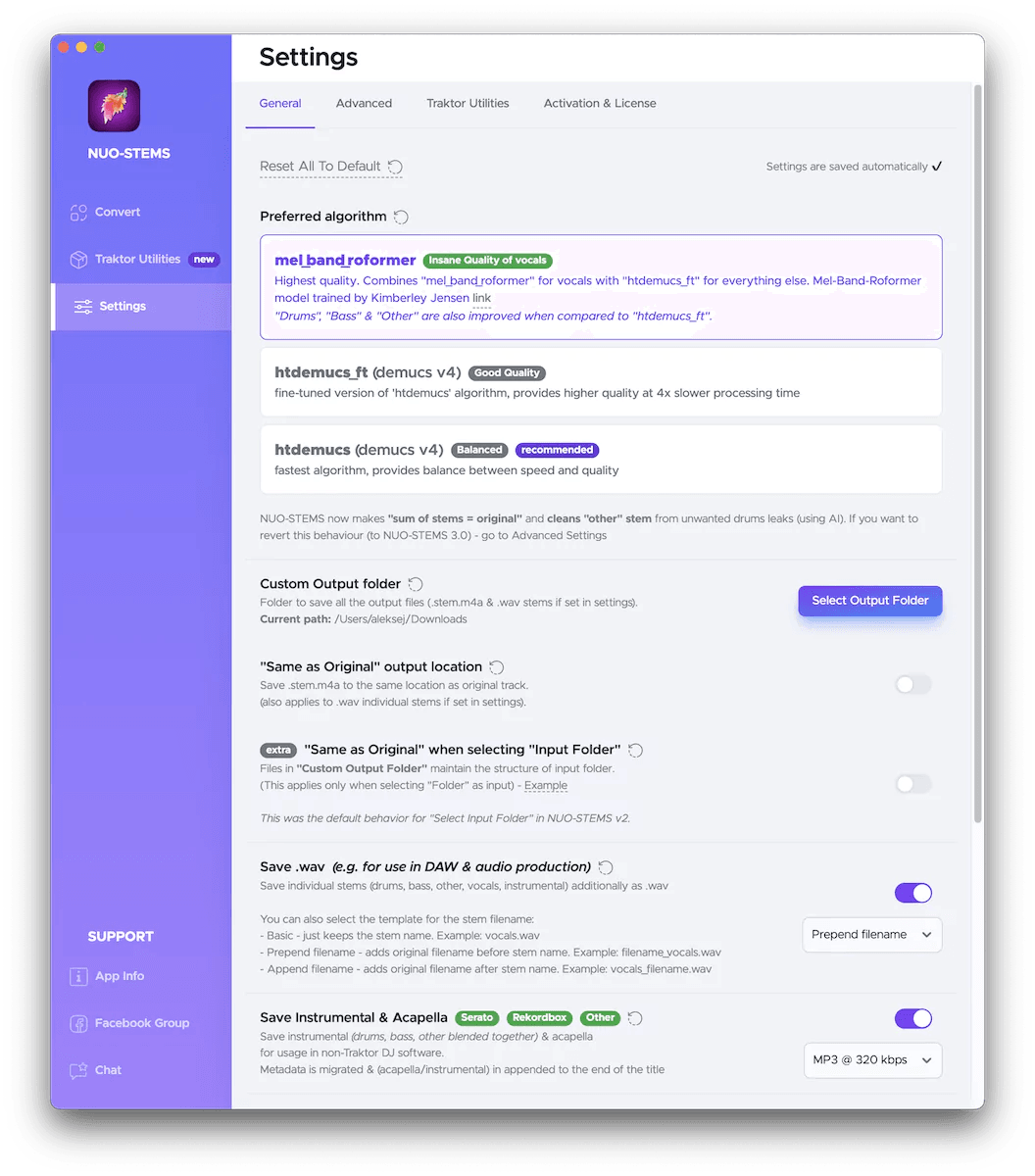
- choose between different algorithms
- customise your output directory & rules
- save .stem.m4a for Traktor Pro
- save individual STEMS as .wav files (for use in other software)
- save Instrumental & Acapella for usage in other DJ software (Serato/Rekordbox/Denon/etc)
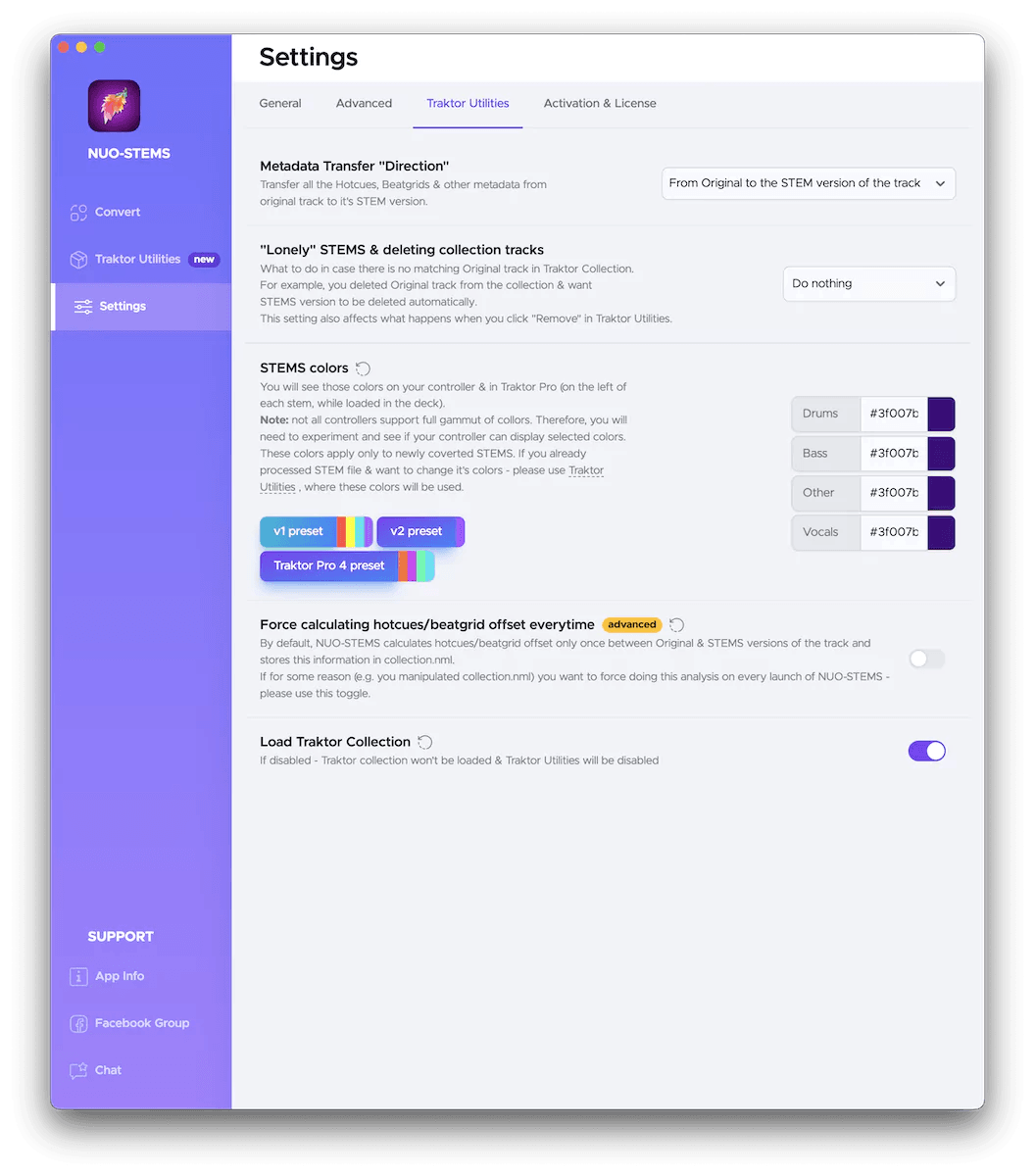
- select your STEMS colours for Traktor Pro
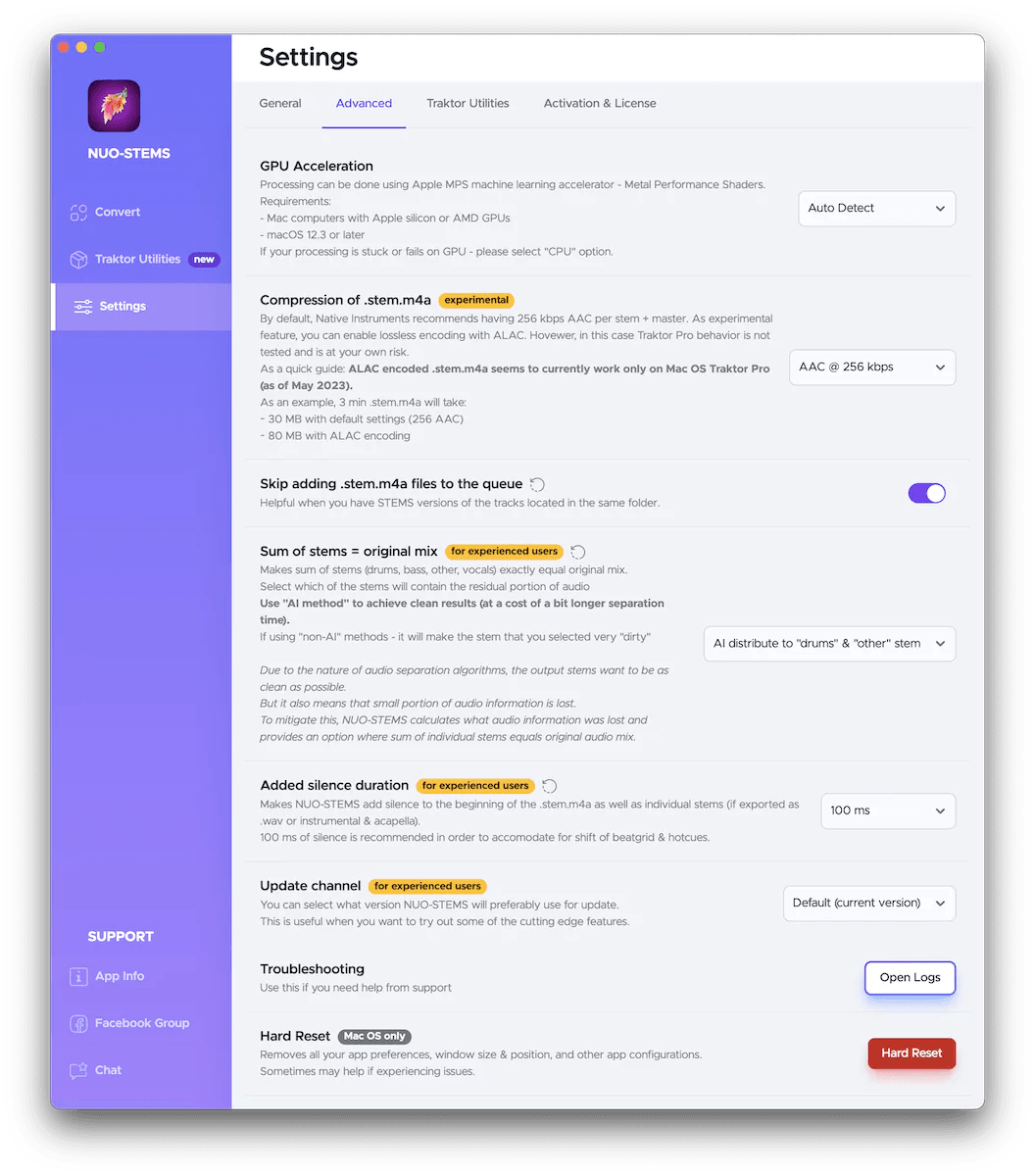
- optional ALAC compression of .stem.m4a (instead of 256 AAC)
- more – download demo & experience it yourself ^_^
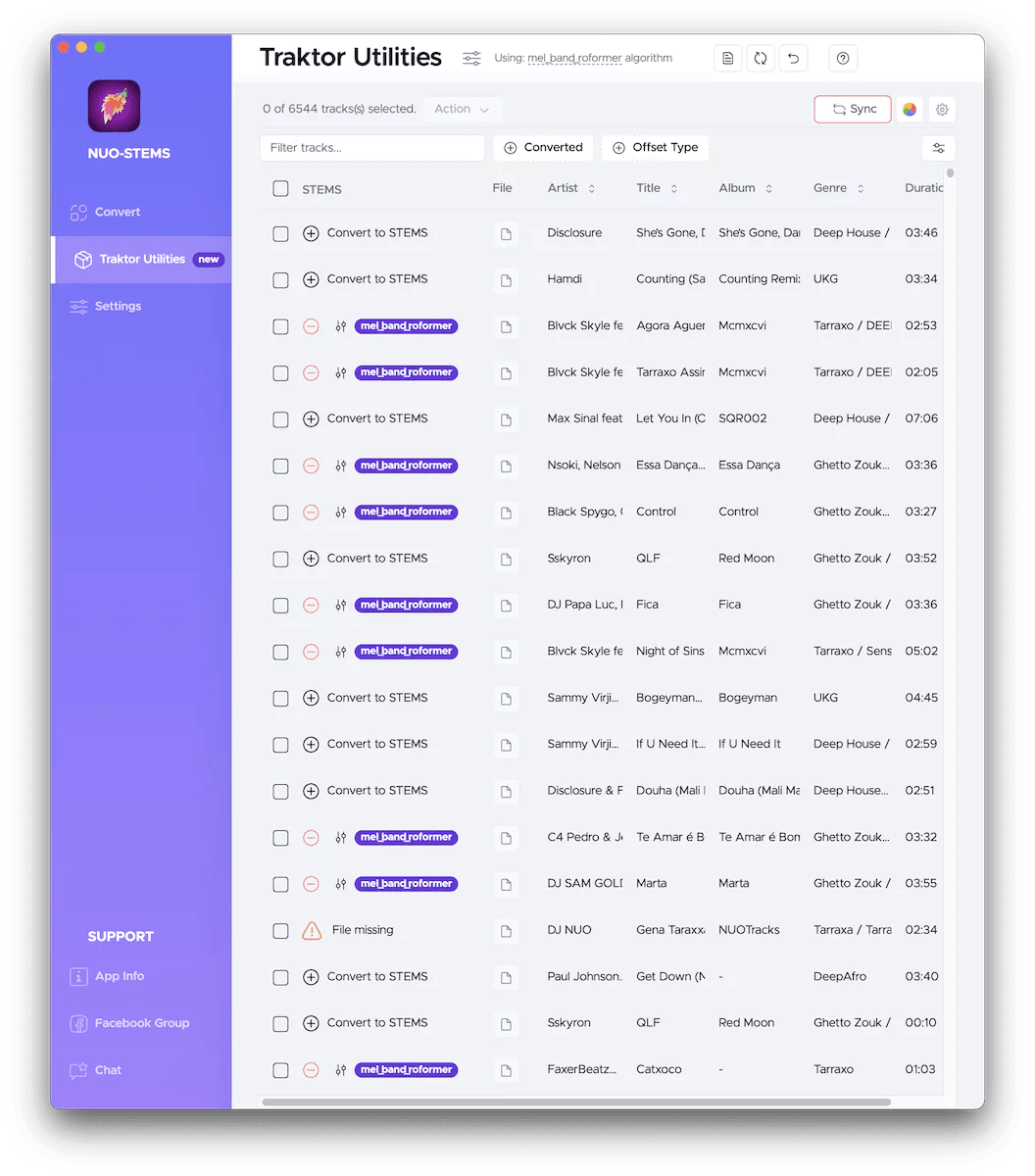
Features
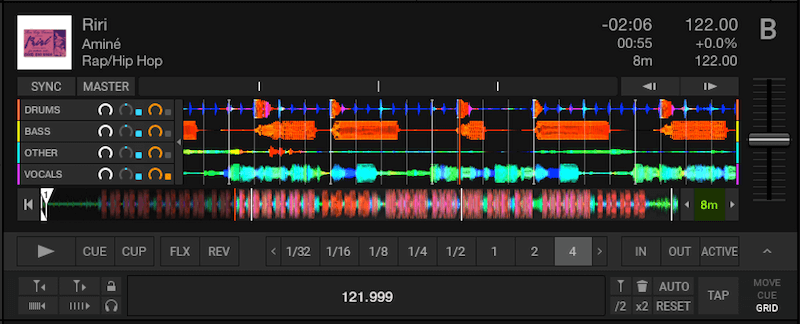
.stem.m4a structure
STEM tracks consist of 4 parts: drums, bass, other (melody, etc) and vocals.
Machine Learning Power (AI)
NUO-STEMS is software which lets you convert your existing MP3/WAV/other tracks to STEM tracks which are used by Traktor Pro DJ software. It uses "mel_band_roformer" & "facebook demucs v4" under the hood.

Traktor Pro full compatibility
NUO-STEMS was designed specifically for Traktor Pro DJs. You can convert your entire collection of audio files completely locally on your machine to .stem.m4a.
GPU Acceleration (Windows & Mac)
*Available for NVIDIA CUDA video cards on Windows *M1/M2 or AMD GPU on Mac
Compatible with other DJ software
Export to Instrumental & Acapella for external usage.
Mac OS & Windows
Available on both platforms.
Use in your DAW
Export stems as separate .wav files (drums, bass, other, vocals) for usage in your favourite Digital Audio Workstation. Remix & create!
Metadata transfer
Original file metadata is transferred to the .stem.m4a / acapella / instrumental. Including title, artist, album, etc. (& artwork 😊)
Demo Mode available
Try before you buy! Only 20 seconds (from the middle of the track) are processed.
Any audio file
NUO-STEMS supports practically any audio file format. And if you find that it doesn't - don't hesitate to contact support!
Local conversion
Everything is converted locally on your computer. No need for cloud subscriptions. Process as many files as you want!
Custom output directory
Support for multiple options to define output folder for each file. Save to the same directory as input file / or match output folders structure intact to the input folder structure / or just save all the files to the same folder. You can also skip files that are already present in output directory.
STEMS Colors
Change individual stem (e.g. drums) colours for all STEM files in your collection. This is especially useful when using Traktor S4 MK3 with color pads.
Hotcues & Beatgrid
“Traktor Utility” to transfer HotCues, BeatGrid, BPM, Musical Key, Rating, Title, Artist, Album, Genre, etc from original tracks to STEM versions (transfer is done using collection.nml - Traktor collection file).
Comparison to other software
How to play with STEMS using Traktor Pro
STEMS Effects Tutorials
Use STEMS with any controller
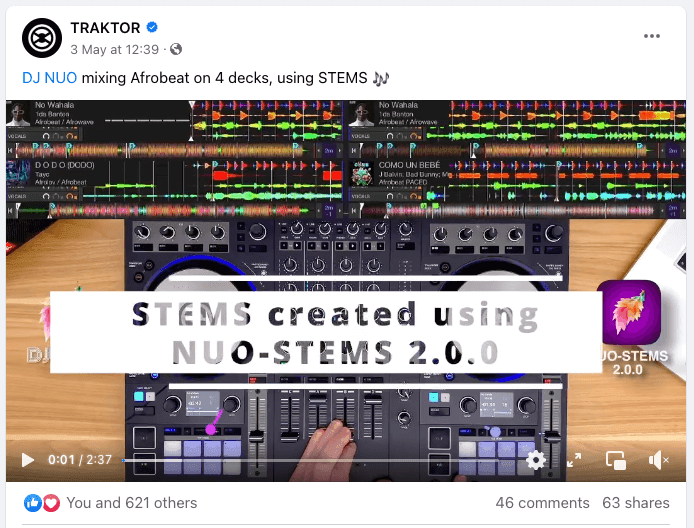
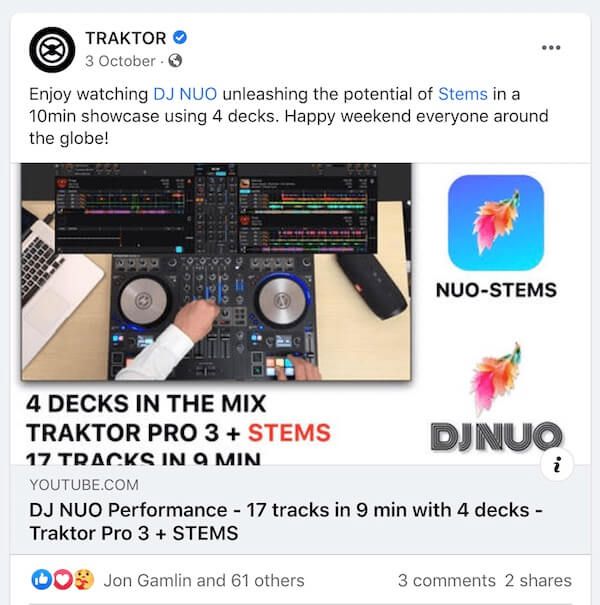
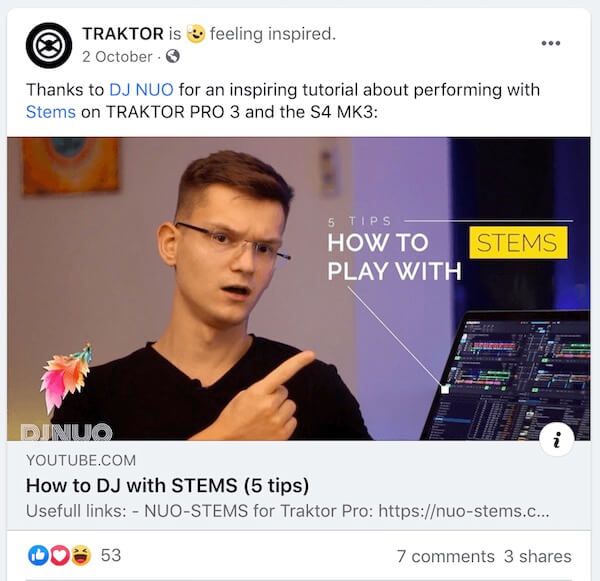
Official Traktor Pro Mentions
Pricing
You can choose one of these options.
For example, if you purchase perpetual license – you don’t need to subscribe
to Patreon.
Perpetual License
Black Friday: 30% off until 30 November, applied at checkout
- All features included
- Full unlimited access to NUO-STEMS 4 and NUO-STEMS 3
- One-time payment
- No monthly fees
Patreon Subscription
Flexible monthly access.
- All features included
- Full monthly access to NUO-STEMS 4 and NUO-STEMS 3
- Cancel anytime
- Support the developer
- Future updates included
To activate NUO-STEMS 3: install NUO-STEMS 4 on the same computer and activate it with the license key you get by email. NUO-STEMS 3 is then activated too.
Download NUO-STEMS 3
The download includes the demo version, which processes only 20 seconds of each track, starting from the middle of the track. There are no other limitations. You can unlock full access by buying a license or subscribing on Patreon.
Important: before purchase you MUST install the demo version to see if the software works with your system specifications. There are cases when user’s PC specs are too low to run NUO-STEMS.
Version: 3.2.3 View changelog
macOS 10.15+
Download 3.2.3- Intel Macs – macOS 10.15+. Apple Silicon – macOS 12.3+.
- On Apple Silicon Macs – make sure you have Rosetta 2 installed.
- If your Mac has 8 GB of RAM – please make sure to close all other RAM-intensive applications (e.g. web browser).
- How to install .dmg?
Windows 7+
Download 3.2.3- Minimal requirements: 8 GB of RAM + swap increased in most cases (instructions).
- Make sure to install all the latest Windows updates.
- Some Windows users might also need to install these updates for NUO-STEMS to work: link #1, link #2